Formspree Alternative
Form submissions that turn into conversations
Formspree sends you an email. That's it. No way to reply, no conversation history, no team collaboration. Userscom turns every form submission into a trackable ticket. Reply by email, collaborate with your team, and never lose a lead in your inbox again.
Free plan available · No credit card · 2-minute setup
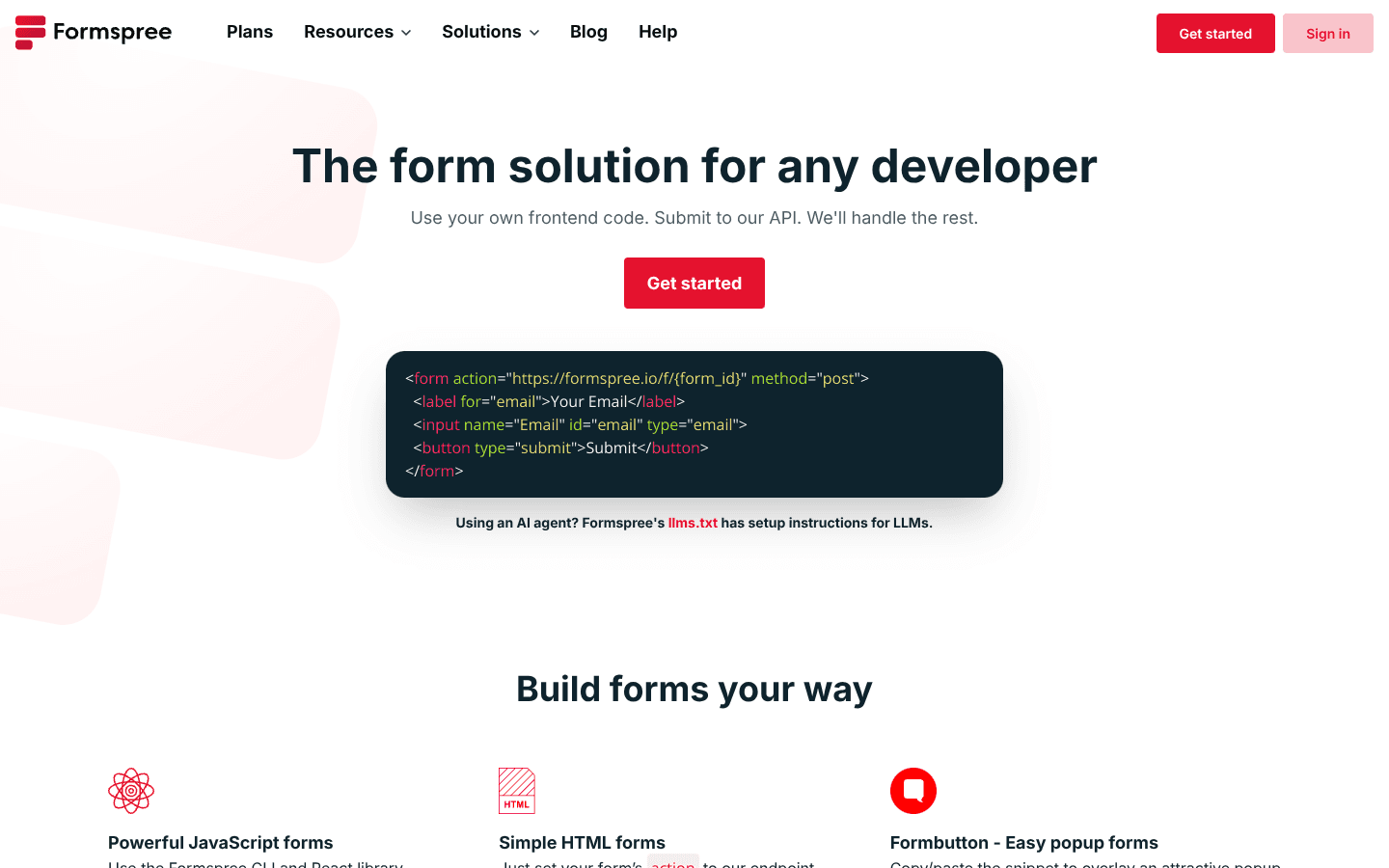
Formspree homepage · visit site
Contact form management · Contact form HTML · Email ticketing
The problem with Formspree
Formspree is great at what it does: it takes your form data and sends you an email. But then you're stuck. You can't reply to the person. You can't track the status. If you need to follow up, you're manually copying their email into Gmail.
For contact forms, inquiry forms, or booking requests, you need more than just a notification. You need a conversation.
Formspree limitations
- Just sends you an email — no way to reply
- No conversation threading or history
- Can't track status (open, closed, snoozed)
- Team collaboration means forwarding emails
- Extra form fields buried in the email body
What you get with Userscom
- Every form submission creates a trackable ticket
- Reply by email — it threads back into the conversation
- Track status: open, closed, snoozed
- Team collaboration with assignments
- Extra fields shown in sidebar (phone, budget, etc.)
- AI-powered ticket organization
How it works
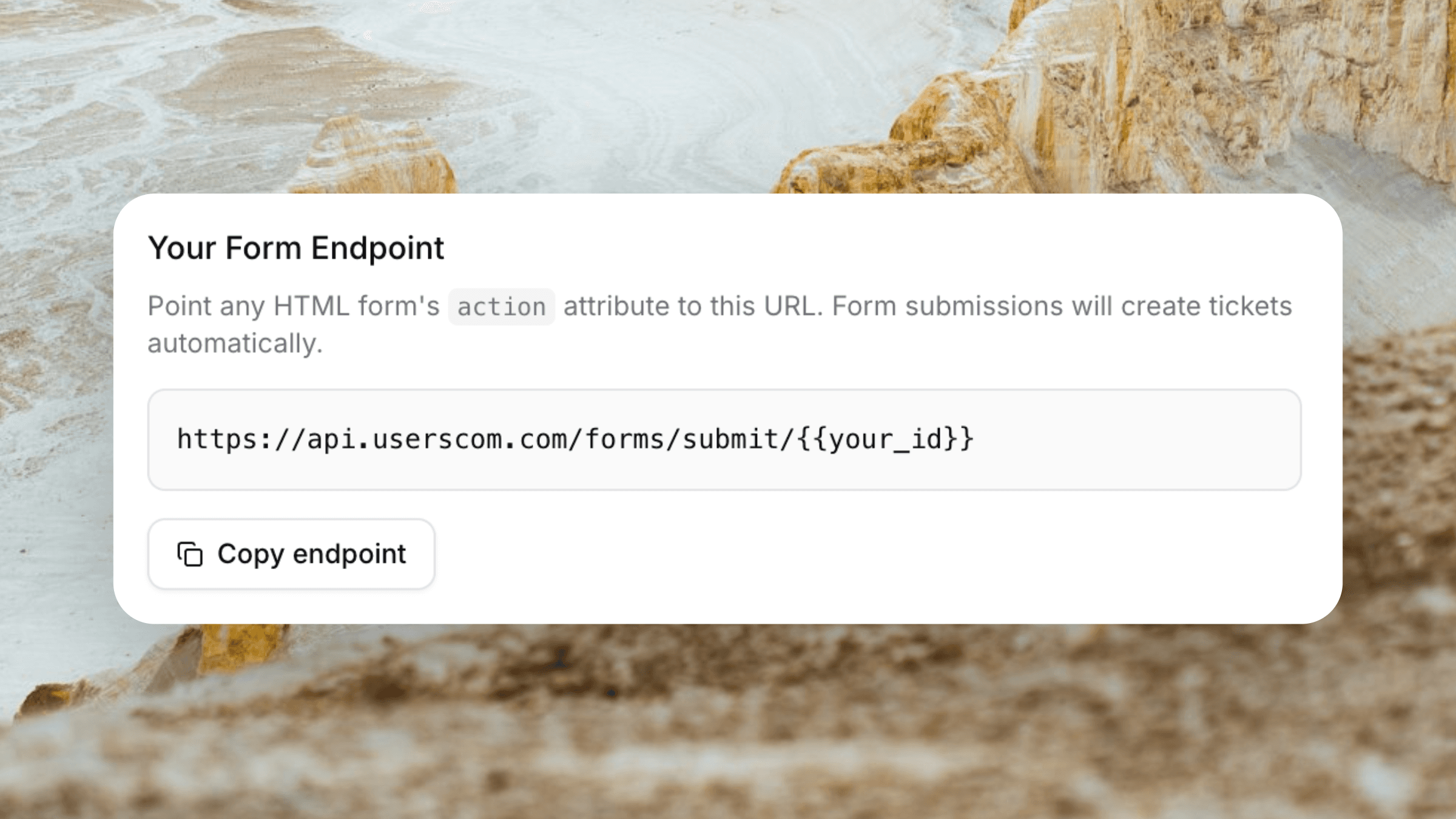
Point your form to Userscom
Change your form's action URL to your Userscom form endpoint. That's it. All your existing fields work as-is.
<form action="https://api.userscom.com/forms/submit/YOUR_ORG_ID" method="POST">
  <input name="email" required />
  <textarea name="message"></textarea>
  <button type="submit">Send</button>
</form>Every submission creates a ticket
When someone submits your form, it shows up in your inbox as a ticket. All the form data (phone, budget, preferences) is captured and displayed in the sidebar.
Reply and track the conversation
Reply from the dashboard or by email. The entire conversation threads back into the ticket. Mark it closed when done, or snooze it for follow-up.
Formspree vs Userscom
Feature comparison
| Feature | Formspree | Userscom |
|---|---|---|
| Collect form submissions | ||
| Email notification | ||
| Reply to submissions | ||
| Conversation threading | ||
| Track status (open/closed) | ||
| Team collaboration | ||
| AI ticket organization | ||
| Form data in sidebar | ||
| Live chat widget |
Frequently asked questions
Formspree sends form submissions to your email. Userscom creates a ticket for each submission, so you can reply, track status, collaborate with your team, and keep full conversation history. You reply by email and it threads back into the ticket.
Yes! When someone submits a form, it creates a ticket. You can reply from the dashboard or by email, and the entire conversation is tracked. With Formspree, you just get an email notification.
Just change the action URL. Instead of pointing to Formspree, point to your Userscom form endpoint. All your existing form fields work exactly the same way.
Any fields beyond email, name, subject, and message (like phone, budget, property_id) are automatically captured and displayed in the ticket sidebar as "Form Data" so you have full context.
Yes. Userscom includes a free plan with 20 tickets/month (including form submissions) so you can try it without a credit card.
Turn form submissions into conversations
Stop losing leads in your email. Start tracking every form submission as a conversation.
20 tickets/month free · No credit card required